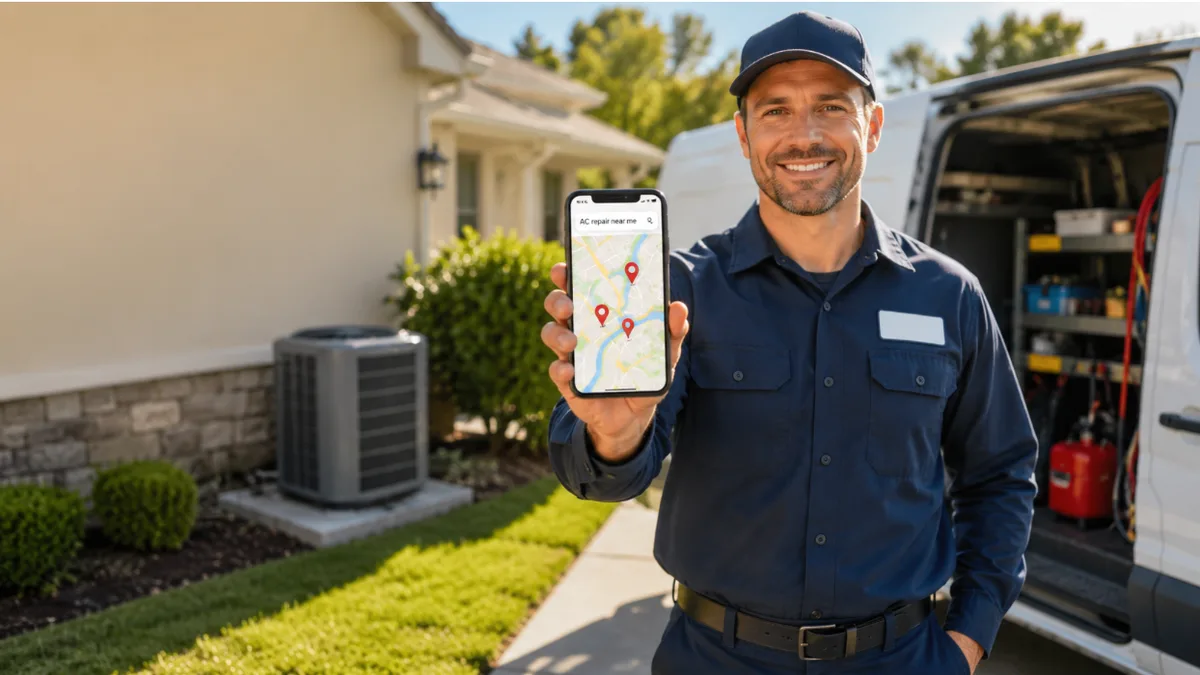
To optimize an HVAC Google Business Profile, set HVAC Contractor as your primary category, add secondary categories like Air Conditioning Contractor, Heating Contractor, and Furnace Repair Service, configure it as a service-area business, fill out every service with descriptions, upload real seasonal job photos every month, and build a steady stream of reviews. Done right, this is what gets you into the Google Map Pack — the three local results that capture the majority of "AC repair near me" calls.
Now here's how to actually do each piece.
Why Your GBP Listing Is Your #1 Lead Generation Tool as an HVAC Company
When a homeowner's AC dies in July, they don't scroll. They tap one of the first three businesses on the map and they call. That block of three results is the Google Map Pack, and for HVAC, it's the single most valuable piece of real estate on the internet.
Here's why your Google Business Profile (GBP) — the free listing that shows your name, rating, hours, and photos right inside Google — matters more than your website for emergency work:
- It loads above the organic results. The map pack sits above the regular links and below (or beside) the ads. For "near me" and emergency searches, most clicks never make it past it.
- It works on intent you can't buy cheaply. Someone searching "emergency furnace repair" at 9 p.m. is ready to hire. Your profile puts you in front of them at the exact moment of need — without paying per click.
- It compounds. Unlike ads, a strong profile keeps producing calls month after month. Reviews stack up, Google trusts you more, and you climb. (That's the core difference we broke down in SEO vs. Google Ads.)
The catch: a claimed profile and an optimized profile are not the same thing. Most HVAC companies claim it, slap in a phone number, and stop. The sections below are where the calls actually come from.
Want to see where your profile stands right now? Get a free audit of your Google presence — we'll show you exactly what's costing you map-pack rankings, no call required.
Step 1: Claim, Verify, and Lock Down Your NAP
You can't rank a profile you don't control. Claim your business at the Google Business Profile site, then complete verification (video or postcard, depending on what Google offers you). Until you're verified, you can't edit the fields that matter.
While you're in there, nail your NAP — Name, Address, Phone — and make it identical everywhere it appears online: your website, invoices, and every directory. Even small mismatches ("St." vs "Street," an old phone number on Yelp) confuse Google and drag down rankings. This is exactly why consistent business listings and citations are a ranking factor, not busywork.
One rule that trips up HVAC companies specifically: use your real, legal business name. Don't stuff it to "Phoenix AC Repair & Heating LLC" if that's not your name. Keyword-stuffed names are against Google's guidelines and get suspended — and a suspended profile means zero calls.
Step 2: Set Up Your HVAC Service Area (The Right Way)
This is where most guides wave their hands. Here's the actual rule.
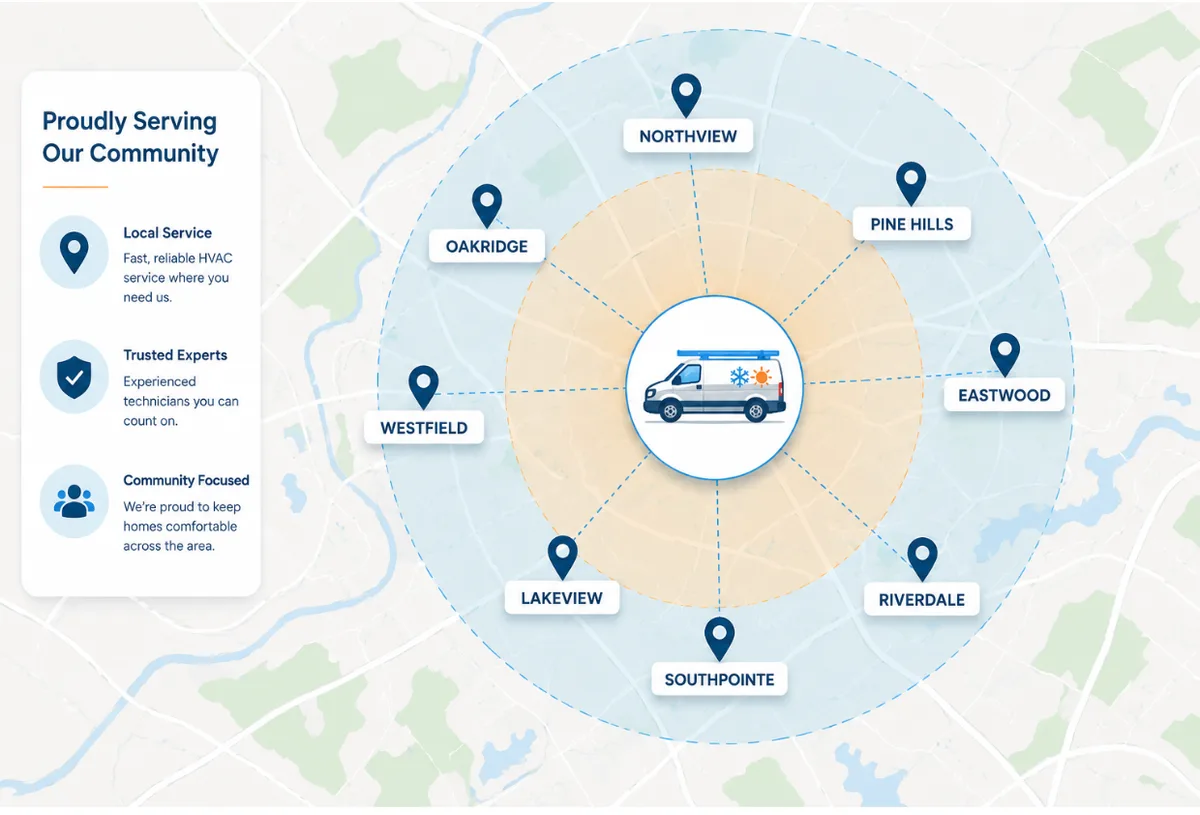
HVAC is a service-area business (SAB) — you go to the customer, customers don't come to a storefront. Google treats SABs differently from shops:
- Hide your address. If you run from a home or a yard, set your profile to "I deliver goods and services to my customers" and turn off the address display. Showing a residential address (or no address when one's listed) can hurt trust and trigger filters. Service-area businesses are supposed to hide it.
- List the towns and ZIP codes you actually serve — not a 200-mile radius. Google lets you add up to 20 service areas, and recommends your total area stay within roughly a 2-hour drive of your base. Stretching it thinner tells Google you're "relevant everywhere," which usually means you rank nowhere.
- Match your service area to your city service pages. If your GBP serves Round Rock and Pflugerville, your website should have real pages for those cities. The two reinforce each other — a core move in any local SEO program.
Should HVAC companies use service area or address on GBP? Service area, in almost every case. Only use a visible storefront address if customers genuinely visit you (a showroom or parts counter). Even then, you can run a hybrid: physical address plus service areas.
Step 3: Choose the Right HVAC GBP Categories (Primary + Secondary)
Your category is the strongest relevance signal on the entire profile. Google leans on it to decide which searches you show up for, so this is not the place to pick one and move on.
Set your primary category to the most accurate, highest-intent option:
| Role | Category | Why |
|---|---|---|
| Primary | HVAC Contractor | The broadest, highest-volume category that matches heating and cooling intent |
| Secondary | Air Conditioning Contractor | Captures cooling-specific and summer "AC repair" searches |
| Secondary | Heating Contractor | Captures furnace/heat-pump and winter searches |
| Secondary | Furnace Repair Service | Captures urgent, problem-specific winter searches |
| Secondary (if relevant) | Air Conditioning Repair Service | Reinforces summer repair intent |
What GBP category should an HVAC company use? Lead with HVAC Contractor as primary, then add every secondary category you legitimately offer. The rule: only add categories for services you actually perform. Don't add "Furnace Repair Service" if you only do installs — Google can detect mismatches between your categories, services, and reviews, and irrelevant categories dilute your relevance instead of boosting it.
Adding the right secondaries is one of the fastest, most underused ranking levers in HVAC. Most of your competitors have one category. Out-categorize them.
Step 4: Complete Your HVAC Services Section for Maximum Visibility
Categories tell Google what kind of business you are. The Services section tells it exactly what you do — and it's prime keyword space most HVAC companies leave half-empty.
How do you add services to an HVAC Google Business Profile? In your profile, go to the Services section and add an entry for every job you do, grouped under your categories. Then write a 2–4 sentence description for each, in plain language a homeowner would use.
Add services like:
- AC repair, AC installation, AC maintenance / tune-up
- Furnace repair, furnace installation, furnace replacement
- Heat pump repair and installation
- Ductwork repair and duct cleaning
- Thermostat installation (including smart thermostats)
- Indoor air quality / air purifier installation
- Emergency HVAC repair
- Seasonal HVAC maintenance plans
Two things that separate a ranking services section from a dead one:
- Describe each service in natural language. "We repair AC units that won't cool, freeze up, or won't turn on — same-day service across [city]." That phrasing matches how people search and how AI assistants summarize.
- Name your service area inside descriptions. A light, natural mention of the city ("furnace replacement for [city] homeowners") reinforces local relevance without keyword stuffing.
Step 5: HVAC Photo Strategy — What to Upload and When
Photos do two jobs: they build trust with the homeowner deciding who to call, and they signal to Google that you're an active, real business. Profiles with fresh, real photos pull more clicks and more calls than stale ones.
Skip the stock images. Upload real photos: your trucks, your team in branded uniforms, before-and-after installs, the equipment you service, and finished jobs (with the homeowner's OK). Caption them with the job type and city.
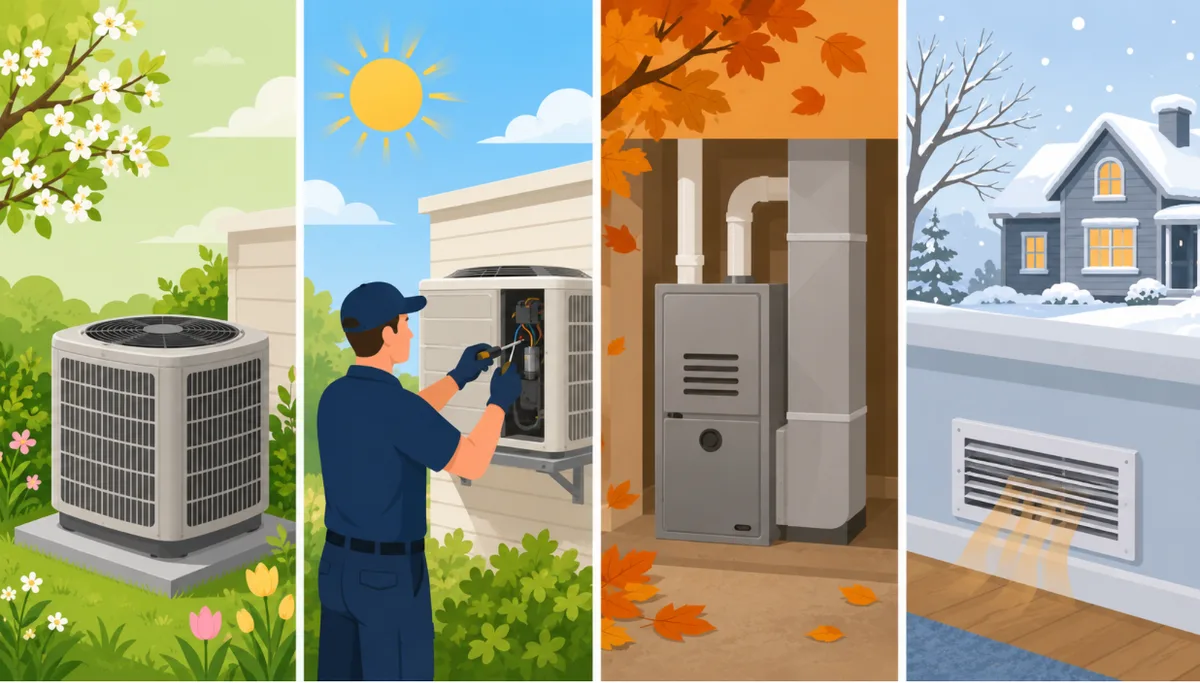
Now the part nobody else publishes — a seasonal photo calendar. Google rewards freshness, and your buyers' needs swing hard by season. Upload ahead of demand, not during it:
| Month | Upload this | Why |
|---|---|---|
| March–April | AC tune-ups, condenser cleanings, new AC installs | Get cooling photos live before the first heatwave |
| May–August | Emergency AC repairs, ductwork, smart thermostats | Match peak summer "AC repair near me" intent |
| September–October | Furnace tune-ups, heat-pump service, heater installs | Get heating photos live before the first cold snap |
| November–February | Emergency furnace repair, no-heat calls, IAQ | Match peak winter "furnace not working" intent |
A simple rhythm: add a handful of fresh job photos every couple of weeks, and front-load the next season a month early. An active gallery is a ranking signal you fully control.
Step 6: Write an HVAC GBP Business Description That Ranks (and Reads Well)
Your description (up to 750 characters) won't make or break rankings on its own, but it's your pitch to a homeowner comparing three companies — and AI assistants pull from it when summarizing your business.
Write it for a person first, with keywords woven in naturally:
- Open with what you do and where: "Family-owned HVAC contractor serving [city] and surrounding areas for 15+ years."
- Cover heating and cooling, repair and install so both intents are represented.
- Include trust signals: licensed, insured, emergency/24-7 service, warranties, financing.
- Close with a nudge to call or book.
Avoid the trap of cramming in every keyword — Google and readers both punish that. One clean, specific paragraph beats a wall of "AC repair AC install AC service AC maintenance."
Don't skip the Attributes, either: turn on the ones that apply ("emergency service," "24/7," "family-owned," "online estimates," "veteran-owned"). The "emergency service" attribute in particular helps you surface on urgent searches — exactly the high-value calls you want.
Step 7: Use GBP Posts to Promote Seasonal HVAC Services
Google Posts are free mini-updates that show on your profile. They keep it active (a freshness signal) and let you push the right service at the right time.
A practical posting rhythm for HVAC:
- Spring: "Book your AC tune-up before summer" + offer
- Summer: "Same-day emergency AC repair across [city]" + call CTA
- Fall: "Furnace safety check season is here" + offer
- Winter: "No heat? We answer 24/7" + call CTA
Keep posts short, lead with the season's pain point, add one clear call to action, and include a real photo. Aim for at least one post a week — enough to stay active without becoming a second job. If posting weekly is unrealistic during peak season, that's exactly the kind of thing a managed GBP service handles for you.
Step 8: Build a Review Engine That Feeds Your Rankings
Reviews are one of the heaviest factors in local ranking and the most persuasive thing a homeowner sees before calling. A profile with 150 reviews at 4.8 stars beats one with 20 reviews at 3.9 nearly every time — even when the second company does better work. (We go deep on this in why Google reviews are your most valuable marketing asset.)
What actually moves the needle:
- Ask every customer, right after the job. The moment the system is fixed and the customer is happy is peak willingness. A quick text with a direct review link removes all friction.
- Make it automatic. Manual asking falls apart in busy season. Automated SMS/email review requests after each completed job keep the flow steady — that's the heart of a review management system.
- Respond to every review, good and bad. It signals an active business to Google and reassures the next reader. Work in a natural keyword when it fits ("Glad we got your AC cooling again in [city]!").
- Velocity matters. A steady trickle of fresh reviews outranks a pile of old ones. Aim for consistency, not a one-time push.
Reviews are also a top item on the broader list of local SEO ranking factors — so this work pays off across your whole local presence, not just GBP.
Step 9: How to Capture Leads Instantly (Now That GBP Messaging Is Gone)
Heads up — if an older guide tells you to "turn on Google Business Profile messaging," it's out of date. Google removed the GBP chat/messaging feature entirely on July 31, 2024. There is no "message us" button to enable anymore. So how do you capture leads straight from your profile in 2026? Stack these:
- The call button + call tracking. For HVAC, the phone is still king. Make sure your profile's primary action is a call, and route it through a tracking number so you know which calls came from Google. What gets measured gets improved.
- A "Get a Quote" / booking link. Add your website's booking or quote page as the profile's website/appointment link, so non-emergency searchers can request service without calling. A fast, mobile-friendly booking page converts far better than dumping them on your homepage.
- Local Services Ads (Google Guaranteed). Sit above the map pack with a pay-per-lead format and the Google Guaranteed badge — strong for emergency HVAC intent. It complements GBP rather than replacing it.
- Missed-call text-back automation. This is the big one nobody talks about. The average HVAC company misses a chunk of inbound calls during busy season — and a missed call is a lost job that walks straight to the competitor who picks up. An automated missed-call text-back and follow-up system instantly texts anyone you miss ("Sorry we missed you — what's going on with your system?") and keeps the lead warm until you can call back.
You paid (in time, money, and ranking effort) to make that phone ring. Don't let it ring out.
The HVAC GBP Optimization Checklist
Run through this and you'll be ahead of most HVAC profiles in your market:
- Business claimed and verified
- NAP identical across website, GBP, and all directories
- Real, legal business name (no keyword stuffing)
- Set as a service-area business; address hidden if no storefront
- Service areas listed (within ~2-hour drive), matched to website city pages
- Primary category: HVAC Contractor
- Secondary categories added (AC Contractor, Heating Contractor, Furnace Repair Service, etc.)
- Every service added with a natural-language description
- Service descriptions mention your city naturally
- Real photos uploaded; seasonal calendar in motion
- Business description written for humans, keywords woven in
- Relevant attributes on (emergency service, 24/7, family-owned)
- Posting at least weekly, matched to the season
- Automated review requests after every job; responding to all reviews
- Call tracking on the phone number
- Booking/quote link set as website action
- Missed-call text-back automation live
Frequently Asked Questions
What Google Business Profile category should an HVAC company use?
Use HVAC Contractor as your primary category. Then add secondary categories for the services you actually offer — typically Air Conditioning Contractor, Heating Contractor, and Furnace Repair Service. The primary category carries the most ranking weight, so it should reflect your highest-intent, broadest service. Only add categories you genuinely perform; irrelevant ones dilute relevance.
How do I add services to my HVAC Google Business Profile?
Open your profile, go to the Services section, and add an entry for each job (AC repair, furnace installation, duct cleaning, emergency HVAC, and so on), grouped under your categories. Write a short, plain-language description for each and mention your service city naturally. A fully completed Services section gives Google more terms to match you to and helps you show up for specific searches.
Should HVAC companies use service area or address on GBP?
Service area, in almost all cases. HVAC is a service-area business — you travel to customers — so you should hide your address and list the towns and ZIP codes you serve (within about a 2-hour drive). Only display a physical address if customers actually visit a showroom or parts counter.
How often should HVAC companies post on Google Business Profile?
At least once a week. Regular posts keep your profile active (a freshness signal) and let you promote the right service for the season — AC tune-ups in spring, emergency repair in summer, furnace checks in fall, no-heat service in winter. Each post should lead with a seasonal pain point, include one clear call to action, and use a real photo.
Does Google Business Profile still have a messaging/chat feature?
No. Google removed GBP chat and messaging on July 31, 2024. To capture leads from your profile now, rely on a tracked call button, a website booking/quote link, Local Services Ads, and missed-call text-back automation instead.
How long does it take to rank in the Map Pack after optimizing?
Most HVAC companies see movement within a few weeks of a thorough optimization, with stronger gains over 2–3 months as reviews accumulate and Google builds trust. Competitiveness of your city and the strength of your review profile are the biggest variables.
The Bottom Line
Your Google Business Profile is the cheapest, highest-intent lead source an HVAC company has — but only if it's fully optimized, not just claimed. Get the categories right, set up your service area properly, keep real seasonal photos flowing, build reviews on autopilot, and make sure every call gets captured. Do that, and you win the map pack calls your competitors are leaving on the table.
If you'd rather have it done for you — categories, photos, posts, reviews, and missed-call automation, all handled — that's exactly what Oootech's Google Business Profile optimization does for HVAC companies. Want the full local-search picture for your market first? Grab a free audit and we'll show you where you're losing calls today.
More HVAC growth reading: Local SEO for HVAC Companies and the complete HVAC SEO guide.